
Digidesign Mbox 2 Audio Driver v.9.0.2.65, v.8.0.4.351 Windows XP, Windows Vista, Windows 7, Windows 8, Windows 8.1, Windows 10
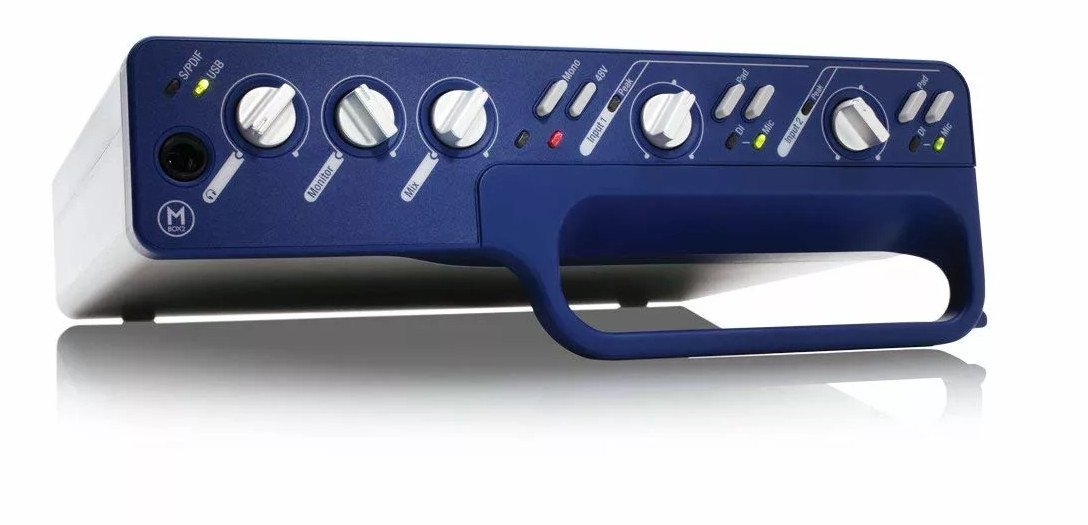
Digidesign has been known worldwide for many years. We would like to inform you that the latest official driver was updated on February 13, 2011. You can be sure that this driver is compatible with Windows XP, Windows Vista, Windows 7, Windows 8, Windows 8.1, and Windows 10 operating systems. On our website you will find the official Digidesign Mbox 2 Audio Driver, which can be downloaded completely free of charge. The file size is only 1.4 MB. After downloading, simply open the installation file and run the installation process on your computer. If you encounter any difficulties setting up the hardware, feel free to leave a comment — we will be happy to help you. All files available for download undergo thorough virus checks, so they are absolutely safe for your device. Don’t forget to save screenshots of any errors (if any appear), so that we can provide you with more accurate assistance.
Q&A
How long has Digidesign been around?
Digidesign has been known and actively operating in the market for many years, offering high-quality audio products.
When was the Digidesign driver last updated?
The last Digidesign driver update is dated February 13, 2011.
What is the size of the Digidesign Mbox 2 Audio Driver?
The driver size is only 1.4 MB, which makes it quite compact for downloading and installation.
Which operating systems is the driver suitable for?
This driver is compatible with Windows XP, Vista, 7, 8, 8.1, and 10, making it universal for most users.
What should I do if I have problems installing the driver?
If you have difficulties setting up the hardware, leave a comment on our website, and we will try to help you solve your problem.
How can I check the safety of downloaded files?
All files available for download on our website are manually checked for viruses, so you can be confident in their safety for your computer.
Why take screenshots of errors?
Screenshots of errors will help us better understand your problem and provide more effective assistance in resolving it.
Download:
Digidesign_Mbox_2_Audio.zip – 32 bits (1.4 mb) v.9.0.2.65 – 13.02.2011
Digidesign_Mbox_2_x64_8.0.4.351.zip – 64 bits (3.1 mb) v.8.0.4.351 – 22.06.2010