
Creative Sound Blaster X-Fi Audio Driver v.2.30.0012, v.6.0.230.0012 Windows 10
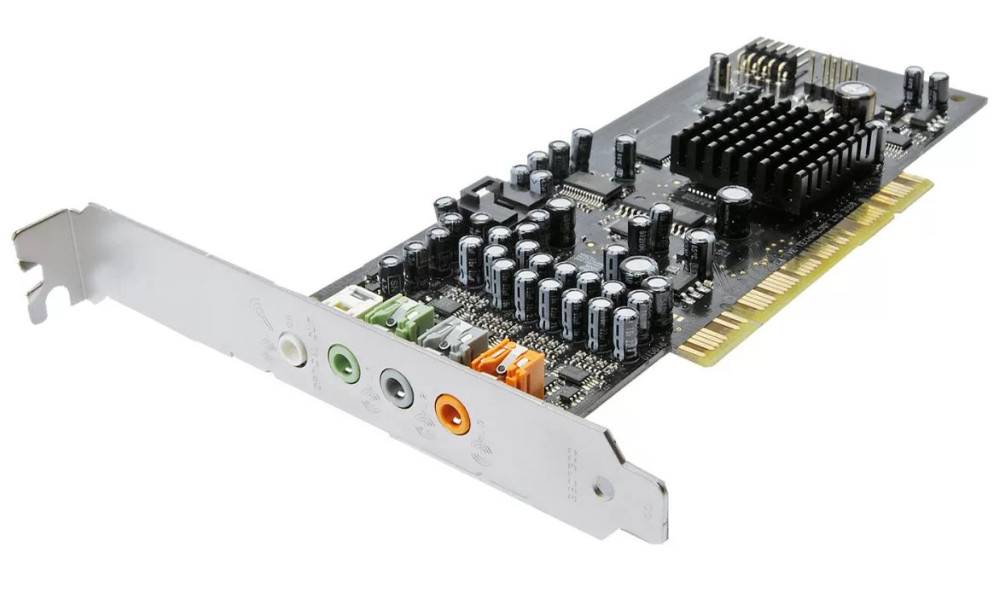
Many people are familiar with the well-known company Creative, which has been on the market for quite a long time. It is important to note that the latest official driver release was on April 17, 2019. You can be sure that this driver is fully compatible with the Windows 10 operating system. Our website offers the official Creative Sound Blaster X-Fi Audio Driver, which you can download completely free of charge. Its size is only 49.3 MB. After downloading, you will need to run the installation file to install the program on your computer. If you are unable to configure the hardware even using our drivers, leave a comment – we will provide you with the necessary assistance. All files we provide for download undergo thorough virus checks, which guarantees their absolute safety for you and your PC. If any errors occur, do not forget to take screenshots so that we can provide more accurate assistance.
Q&A
What was the latest Creative driver update released?
The latest Creative driver update was released on April 17, 2019.
Where can I download the Creative Sound Blaster X-Fi Audio Driver?
The driver is available for free download on our website, where you will find all the necessary files.
Is this driver compatible with Windows 10?
Yes, the driver is fully compatible with the Windows 10 operating system.
What should I do if I encounter problems installing the driver?
If you have problems configuring the hardware with our drivers, write to us in the comments – we will provide the necessary assistance.
Are the files offered for download safe?
All our files are manually checked for viruses, so they are absolutely safe for your computer.
What is recommended to do if errors appear while using the driver?
If errors occur, we recommend taking screenshots so that we can provide more accurate assistance in resolving them.
Download:
SBXF_PCDRV_L11_2_30_0012.exe – (49.3 mb) v.2.30.0012 (6.0.230.0012) – 17.04.2019