
Qualcomm Atheros Bluetooth Driver v.10.0.0.938, v.10.0.0.927 Windows 10
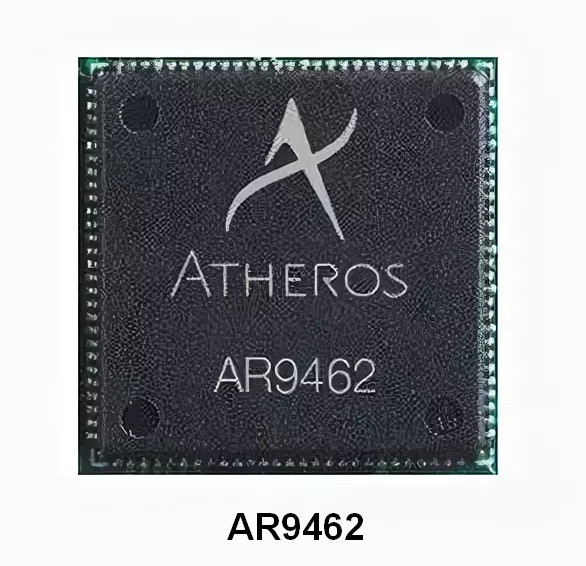
Qualcomm Atheros has been known worldwide for many years. At the moment, the latest version of the driver was updated on January 18, 2020. You can be sure that this driver is fully compatible with Windows 10. We offer you the opportunity to download the official Qualcomm Atheros Bluetooth Driver completely free from our website. The file size is only 0.4 MB. After downloading, simply click the installation file and follow the instructions to begin installation. If you have any problems configuring the hardware even after installing our drivers, feel free to leave comments — we are ready to help you. All files offered for download undergo thorough virus scanning, and their use is completely safe for your device. Please, if any errors appear, take a screenshot so that we can provide you with more qualified assistance.
Q&A
Which driver can be downloaded for Windows 10?
You can download the Qualcomm Atheros Bluetooth Driver, which is compatible with Windows 10.
What is the date of the latest update of the Qualcomm Atheros driver?
The driver was last updated on January 18, 2020.
What is the size of the Qualcomm Atheros Bluetooth Driver?
The driver size is only 0.4 MB, which makes it easy to download.
What should I do if I can’t configure the hardware?
If you were unable to configure the hardware, write to us in the comments, and we will try to help you.
How are files checked on our site?
All files offered for download undergo manual virus scanning, which guarantees their safety for users.
What should I do if an error appears?
If an error occurs, take a screenshot and send it to us so that we can offer more accurate assistance.
Download:
atheros_bt_10.0.0.938_10x64.zip – manual install, Windows 10 64 bits (0.4 mb) v.10.0.0.938 – 18.01.2020
qualcomm_bluetooth_10.0.0.927.exe – Windows 10 32-64 bits (55.2 mb) v.10.0.0.927 – 31.10.2019