
Logitech C270 WebCam Driver v.2.5.17, v.13.51.823.0 Windows XP, Windows Vista, Windows 7, Windows 8, Windows 8.1, Windows 10
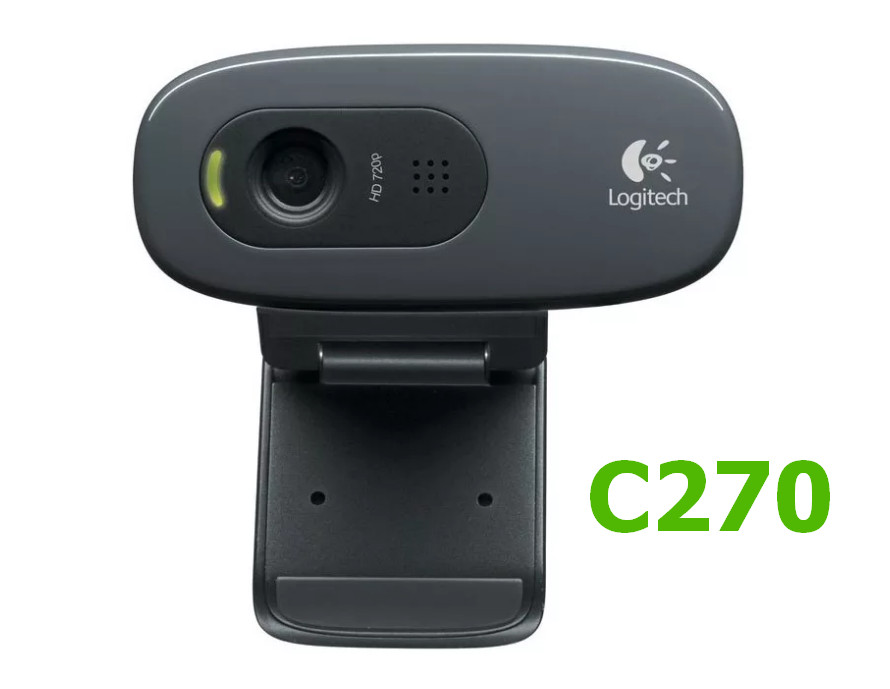
Logitech, a company known worldwide for many years, consistently delights its users. We inform you that the driver was last updated on July 16, 2018. Make sure that this driver is compatible with operating systems such as Windows XP, Vista, 7, 8, 8.1, and 10. On our website, you can download the official driver for the Logitech C270 webcam for free. The file size is only 98.6 MB. After downloading, simply click the installation file to complete the installation on your computer. If you encounter difficulties setting up the device after using our drivers, feel free to leave a comment — we are always ready to help. All files available for download undergo thorough virus checks, which guarantees their safety for your computer. If errors occur, please take screenshots of them so that we can provide more accurate assistance.
Q&A
What information is known about Logitech and its drivers?
Logitech is a world-famous brand that has existed for many years. The last driver update dates back to July 16, 2018. This driver supports many versions of operating systems, including Windows XP, Vista, 7, 8, 8.1, and 10. On our website, you can download the official driver for the Logitech C270 webcam for free, which is only 98.6 MB in size. After downloading, simply click the installation file and complete the installation. If you have difficulties setting up the hardware, leave a comment, and we will try to help. All files available for download undergo manual virus checks, and their safety is guaranteed. Don’t forget to save screenshots of any errors that occur so that we can provide more accurate assistance.
How do I install the Logitech C270 webcam driver?
To install the Logitech C270 webcam driver, you need to download the file from our website. The driver is only 98.6 MB in size. After the download is complete, open the installation file and follow the on-screen instructions to install the software on your computer.
What should I do if I have problems with Logitech drivers?
If you were unable to configure the hardware using our drivers, please leave a comment describing your problem. We will try to provide the necessary assistance. It is also helpful to take screenshots of the errors so that we can respond to your request more quickly and accurately.
How safe are the drivers offered on your website?
All files available for download on our website undergo thorough virus checks. We guarantee that they are absolutely safe for users and their computers.
Download:
LogiCameraSettings_2.5.17.exe – Windows 7/8/10 (98.6 mb) v.2.5.17 – 16.07.2018
lws251.exe – Windows XP/Vista (71 mb) v.13.51.823.0 – 21.09.2012