
Creative Live! Cam Voice Drivers v.1.3.2.328, v.1.2.8.710, v.1.1.2.410 Windows XP, Windows Vista, Windows 7
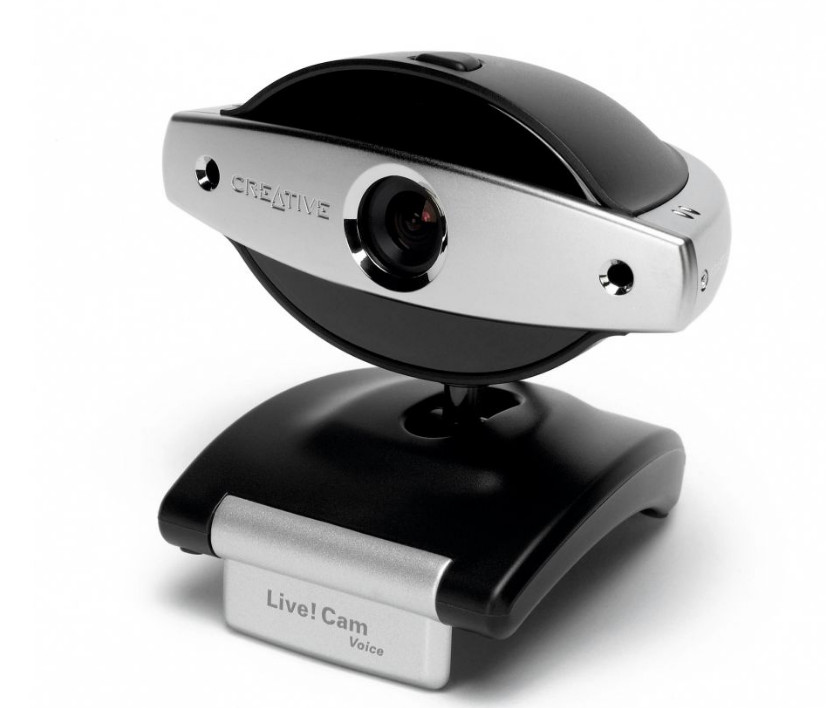
Creative Technology Ltd has been known on the international stage for many years. Let us inform you that the latest version of the driver was updated on March 28, 2007. You can be sure of its compatibility with Windows XP, Windows Vista, and Windows 7 operating systems. Our website offers the official driver for Creative Live! Cam Voice, available for free download. The file size is only 3 MB. After the download is complete, simply double-click the installer file to install the driver on your computer. If you encounter difficulties setting up the device even after installing the driver, please leave a comment, and we will provide you with assistance. All files we offer undergo thorough virus checks, which guarantees their safety for your computer. If any errors occur, do not forget to take screenshots – this will help us identify the problem more accurately and provide the necessary support.
Q&A
What is known about Creative Technology Ltd and driver updates?
Creative Technology Ltd, which is known to many, has been on the market for many years. The last driver update took place on March 28, 2007. This driver is compatible with operating systems such as Windows XP, Windows Vista, and Windows 7.
Where can I find the driver for Creative Live! Cam Voice? What is its size?
On our website you can find the official Creative Live! Cam Voice Drivers driver, which can be downloaded for free. Its size is only 3 MB.
How do I install the downloaded driver on my computer?
After you finish downloading, simply click the downloaded installer file and follow the instructions to install the driver on your computer.
What should I do if there are problems installing the driver?
If you are unable to set up the hardware using our drivers, leave a comment, and we will try to help you. Be sure to attach screenshots of any errors, if any occurred, so that we can resolve your problem more effectively.
How safe are the files offered for download?
All files available for download on our website undergo thorough virus checks, so they are absolutely safe for you and your computer.
Download:
LCVO_PCDRVBETA_US_1_03_02.EXE – ( 3 mb) v.1.3.2.328 – 28.03.2007
LCVO_DRVAP_US_1_02_08_0710.exe – (8.4 mb) v.1.2.8.710 – 10.07.2006
Live!Cam_Voice_001.001.002.410.zip – (1.9 mb) v.1.1.2.410 – 10.04.2006