
Alcor Micro USB Smart Card Reader Driver v.1.9.10.1300 Windows 10
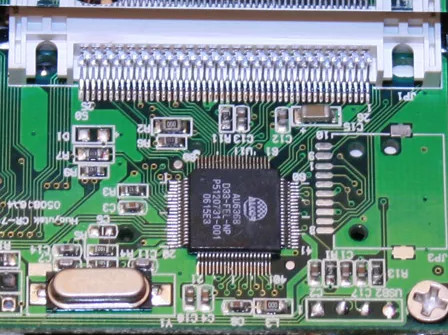
Alcor Micro, known worldwide for many years, continues to confirm its achievements. Please note that the latest official driver update was dated December 21, 2020. You can be sure that this driver is fully compatible with the Windows 10 operating system. On our website, you can find the official driver for Alcor Micro USB Smart Card Reader, available for free download. The file size is only 0.2 MB. After downloading, simply click the installation file to install it on your computer. If for some reason you are unable to set up the device using our drivers, contact us in the comments — we are ready to help you. All files we provide are thoroughly checked for viruses and are completely safe for your computer. Don’t forget to take screenshots of any errors if they appear; this will help us give more accurate recommendations for solving your problem.
Q&A
How long has Alcor Micro been known?
Alcor Micro, known internationally, has existed for many years and has established itself as a reliable manufacturer.
When was the last Alcor Micro driver update?
The official driver update took place on December 21, 2020.
Is the Alcor Micro driver compatible with Windows 10?
Yes, this driver is fully compatible with the Windows 10 operating system, so you don’t need to worry about whether it works.
Where can I download the Alcor Micro USB Smart Card Reader driver?
You can download the official Alcor Micro USB Smart Card Reader driver from our website completely free of charge. It is only 0.2 MB.
What should I do after downloading the driver?
After you download the driver, you need to run the installation file and follow the instructions to install it on your computer.
What should I do if I can’t set up the hardware using the driver?
If you have any difficulties setting up the hardware, write to us in the comments, and we will try to provide you with the necessary help.
How is the safety of downloaded files ensured?
All files offered for download on our website are thoroughly checked for viruses, so they are completely safe for your computer.
Do I need screenshots of errors when asking for help?
Yes, if any errors occur, please take screenshots. This will help us understand the situation more accurately and suggest the right solution.
Download:
alcor_smartcr_1.9.10.1300.zip – (0.2 mb) v.1.9.10.1300 – 21.12.2020