
Intel(R) Serial IO GPIO Host Controller Driver v.30.100.1915.2, v.30.100.1841.3 Windows 10
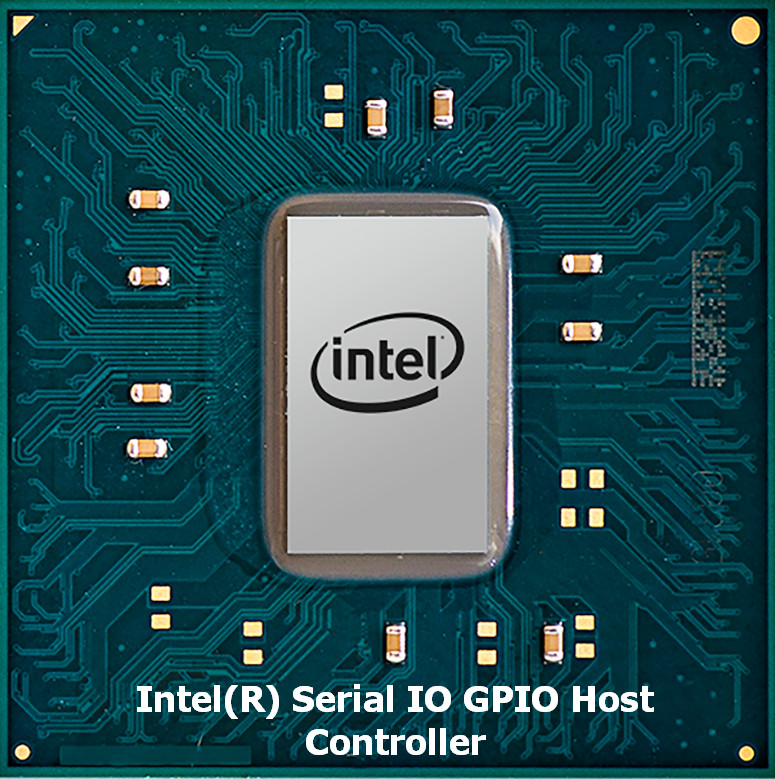
Intel, known on the international stage for many years, is a leading technology developer. We would like to draw your attention to the fact that the latest version of the driver was released on April 8, 2019. You can be sure of its compatibility with the Windows 10 operating system. On our website you will find the official Intel(R) Serial IO GPIO Host Controller driver, available for free download. The file size is only 1.2 MB. After you download the driver, simply run the installation file and follow the instructions to install it on your computer.
If you encounter difficulties configuring the hardware despite using our drivers, feel free to leave comments — we will definitely help you. All files we offer undergo thorough virus checks, so you can be confident in their safety for your device. In case errors occur, try to take screenshots — this will help us provide you with more accurate recommendations.
Q&A
What driver does Intel provide for its devices?
Intel, known worldwide, offers a driver for the Intel(R) Serial IO GPIO Host Controller. This driver was officially updated on April 8, 2019, and is fully compatible with the Windows 10 operating system.
Where can I download the Intel Serial IO driver for Windows 10?
You can download the Intel(R) Serial IO GPIO Host Controller driver for free from our website. Its size is only 1.2 MB, which makes downloading fast and convenient.
What should I do after downloading the Intel driver?
After the driver has been downloaded, you need to open the installation file and follow the on-screen instructions to install it on your computer.
What should I do if the driver installation did not help?
If you have problems configuring the hardware, you can always leave a comment, and we will try to help you resolve the situation.
How much attention is paid to driver safety on our website?
All files available for download on our website undergo thorough virus checks, so they are absolutely safe for your computer.
What should I do if an error occurs during installation?
If you encounter any errors during installation, take screenshots and send them to us. This will help our team provide you with a more accurate and faster solution to your problem.
Download:
sp98121.exe – (1.4 mb) v.30.100.1915.2 – 08.04.2019 HP
izva04af083y.exe – (0.48 mb) v.30.100.1915.2 – 08.04.2019 Lenovo
sp96906.exe – (1.2 mb) v.30.100.1841.3 – 09.10.2018 HP
19q2_t6_sio_83.zip – manual install (0.3 mb) v.30.100.1841.3 – 09.10.2018