
Mustek 1248 UB Scanner Driver v.1.2, v.1.0.0.0 Windows XP, Windows Vista, Windows 7, Windows 8, Windows 8.1, Windows 10
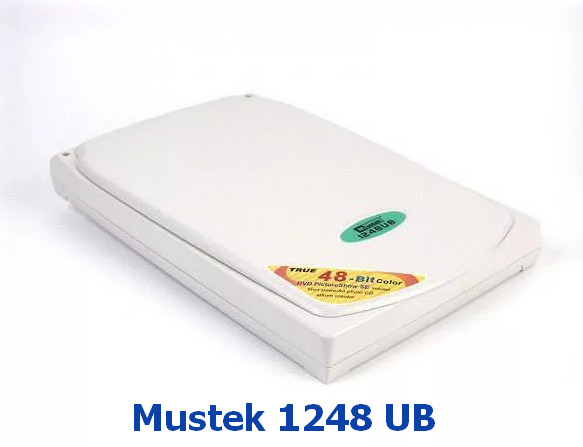
Mustek has been known on the international market for many years. Please note that the latest version of the official driver was updated on February 27, 2020. You can be sure that this driver is compatible with operating systems such as Windows XP, Vista, 7, 8, 8.1, and 10. On our website, you can download the official driver for the Mustek 1248 UB scanner for free. The file size is only 24.6 MB. After the download is complete, simply double-click the installation file to install the driver on your computer. If you encounter any difficulties setting up the device, feel free to leave a comment, and we will try to help you. All files that you can download from us undergo thorough virus scanning and are completely safe to use on your PC. Don’t forget to take screenshots of any errors that may occur so that we can provide you with more qualified assistance.
Q&A
What is the latest driver update date for Mustek?
The latest Mustek driver update is dated February 27, 2020.
Which operating systems is the Mustek 1248 UB driver compatible with?
This driver works correctly with Windows XP, Vista, 7, 8, 8.1, and 10.
Where can I download the driver for the Mustek scanner?
You can download the Mustek 1248 UB Scanner driver for free from our website.
What is the size of the Mustek 1248 UB Scanner Driver?
The driver is only 24.6 MB in size.
What should I do after downloading the driver?
After downloading the file, simply click the installation file and follow the instructions to install it on your computer.
What should I do if the driver installation fails?
If you were unable to set up the hardware using our drivers, leave a comment, and we will try to help you.
How is the safety of downloaded files checked?
All files offered for download undergo a thorough manual virus check, so they are completely safe.
How can I increase my chances of getting help if errors occur?
We recommend taking screenshots of any errors if they appear so that we can better understand your problem and offer an accurate solution.
Download:
Mustek1248UB.exe – (24.6 mb) v.1.2 (1.0.0.0 – 14.05.2002)