
HP Scanjet G3110 v.14.5, v.11.5.0.116 Windows XP, Windows Vista, Windows 7, Windows 8, Windows 8.1, Windows 10
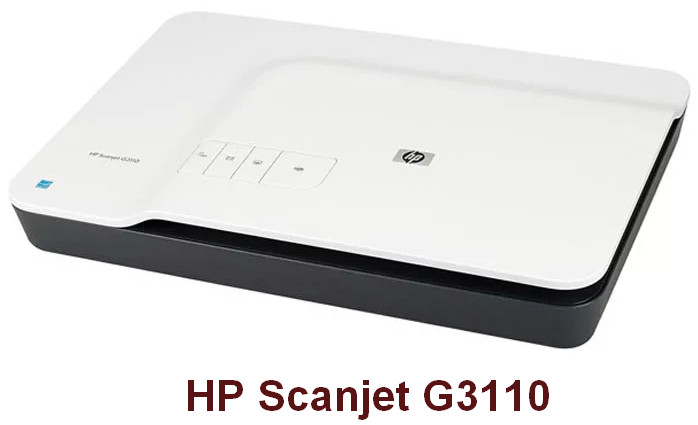
Many people are familiar with Hewlett Packard, which has held leading positions in the market for many years. Please note that the latest version of the driver was released on September 10, 2015. You can be sure that this driver is compatible with operating systems such as Windows XP, Windows Vista, Windows 7, Windows 8, Windows 8.1, and Windows 10. On our website, the official driver for the HP Scanjet G3110 scanner is available for free download. The file size is only 114.6 MB. After the download is complete, simply click the installation file and follow the instructions to install it on your computer. If you encounter any difficulties with setting up the equipment, feel free to leave comments – we will definitely help you. All files we provide for download undergo thorough checks for malware and are completely safe for your device. If errors occur, don’t forget to take screenshots so that we can provide you with the best recommendations for solving the problem.
Q&A
What is the HP Scanjet G3110?
The HP Scanjet G3110 is a flatbed scanner from Hewlett Packard, designed for scanning documents and photos with high quality.
How do I install the driver for the HP Scanjet G3110?
To install the driver, you need to download the file from our website, then run it on your computer, following the on-screen instructions to complete the installation.
Which operating systems is the HP Scanjet G3110 driver compatible with?
The HP Scanjet G3110 driver is compatible with Windows XP, Windows Vista, Windows 7, Windows 8, Windows 8.1, and Windows 10.
What should I do if I have problems installing the driver?
If you have difficulties with installation or setup, leave a comment, and we will try to help you solve the problem.
How safe are the downloaded files?
All files provided for download are manually checked for viruses and are safe to use on your computer.
Why should I take screenshots of errors?
Screenshots of errors will help us better understand your problem and suggest a more accurate solution. This significantly speeds up the support process.
Download:
setup_full_G3110_20_0_0_02.exe – driver and Software (114.6 mb) v.14.5 – 10.09.2015
setup_basic_G3110_14-5.exe – driver (1.5 mb) v.14.5 – 10.10.2012