
Feitian ePass2000 USB Token Device Driver v.2.5.9.1202, v.2.5.6.327 Windows XP, Windows Vista
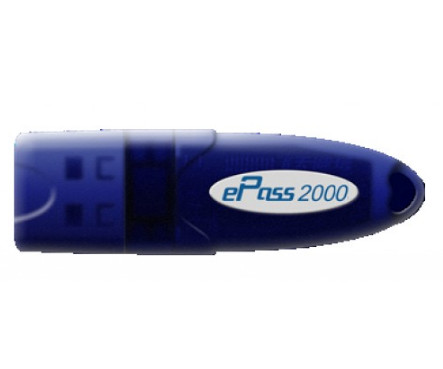
Many people know about Feitian Technologies, Inc., which has enjoyed international recognition for many years. We are pleased to report that the latest driver update was made on December 2, 2009. You can be sure that this driver is fully compatible with operating systems such as Windows XP and Windows Vista. On our website, you can download the official driver for the Feitian ePass2000 USB Token for free. The file size is only 0.3 MB. After the download is complete, simply click the installation file and install it on your computer. If, despite our drivers, you are unable to configure the device, please leave a comment – we will be happy to help you. All files we provide for download undergo thorough virus scanning and are completely safe for your computer. If you encounter any errors, don’t forget to take screenshots so that we can help you more accurately.
Q&A
What is the latest update date for the Feitian ePass2000 driver?
The driver was last updated on December 2, 2009.
Where can I download the Feitian ePass2000 USB Token driver?
You can download the official driver for free from our website.
What is the size of the Feitian ePass2000 driver?
The driver size is 0.3 MB.
Does the driver support Windows XP?
Yes, this driver is fully compatible with Windows XP and Windows Vista.
What should I do if I have problems installing the driver?
If you still have questions or problems, write to us in the comments, and we will try to help you.
Is it safe to download the driver from your website?
Yes, all files are manually checked for viruses and are completely safe for your computer.
What should I do if errors occur during installation?
If errors occur during installation, take screenshots of these issues and provide them to us for a more accurate assessment of the situation.
Download:
USB_key_2.5.9.1202.zip – (0.3 mb) v.2.5.9.1202 – 02.12.2009
USB_key_2.5.6.327.zip – (0.3 mb) v.2.5.6.327 – 04.04.2007
EnterSafe-ePass2000-1.2.2-rh9.x86.tar.gz – Linux (2.5 mb)