
D-Link DWA-610 A1 CardBus Wireless Adapter Driver v.1.40 Windows XP, Windows Vista, Windows 7
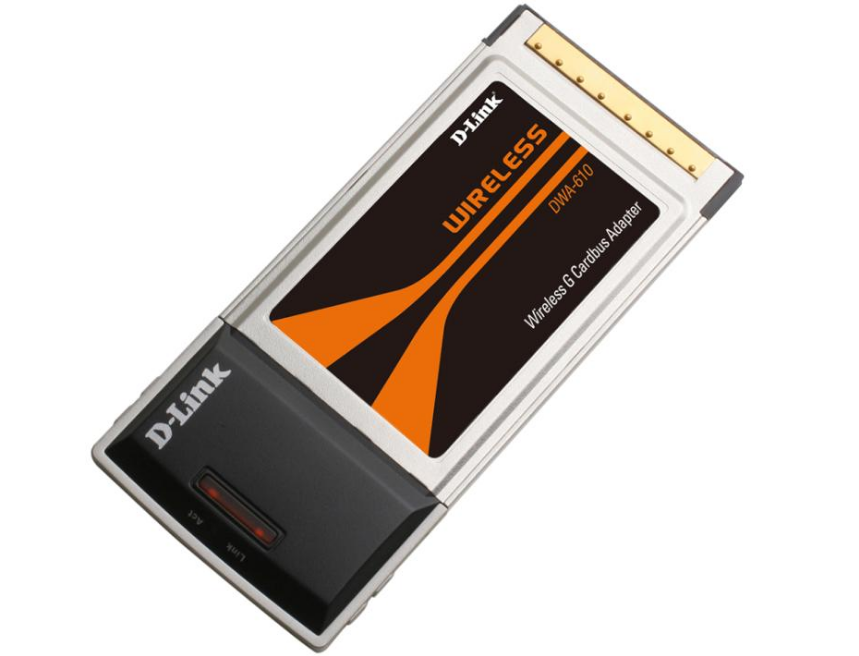
D-Link, known worldwide, has held a worthy place in the market for many years. The latest official driver update was released on September 24, 2009. You can be sure that this driver is fully compatible with Windows XP, Windows Vista, and Windows 7 operating systems. Our website offers the official driver for the D-Link DWA-610 A1 CardBus Wireless Adapter, which you can download completely free of charge. The driver size is only 12.5 MB. After you download the file, simply run it to install it on your computer. If you encounter any problems configuring the hardware despite the installed drivers, write to us in the comments — we will try to help. We carefully check all files before publication for viruses, so you can be sure they are safe for you and your device. And don’t forget to take screenshots of any errors (if any appear); this will help us provide faster and more accurate assistance.
Q&A
What is the latest driver update from D-Link?
The latest official D-Link driver update dates back to September 24, 2009.
Which operating systems is the DWA-610 A1 driver suitable for?
This driver is compatible with operating systems such as Windows XP, Windows Vista, and Windows 7.
Where can I download the D-Link DWA-610 A1 driver?
You can download the D-Link DWA-610 A1 CardBus Wireless Adapter driver for free from our website.
What is the file size of the D-Link DWA-610 A1 driver?
The driver size is only 12.5 MB.
What should I do after downloading the driver?
After you download the driver, you need to run the installation file and follow the instructions to install it on your computer.
What should I do if there are problems configuring the hardware?
If you were unable to configure the device using our drivers, leave a comment, and we will try to help.
How safe are the drivers you offer?
All drivers we provide for download are manually checked for viruses and are completely safe for your computer.
What information should be provided if errors occur?
If errors appear, we recommend taking screenshots and attaching them to your request so that we can provide more accurate assistance.
Download: