
HighPoint RocketRAID 2210 SATA Controller Driver v.1.3.7.1023, v.1.3.7.1017 Windows XP, Windows Vista
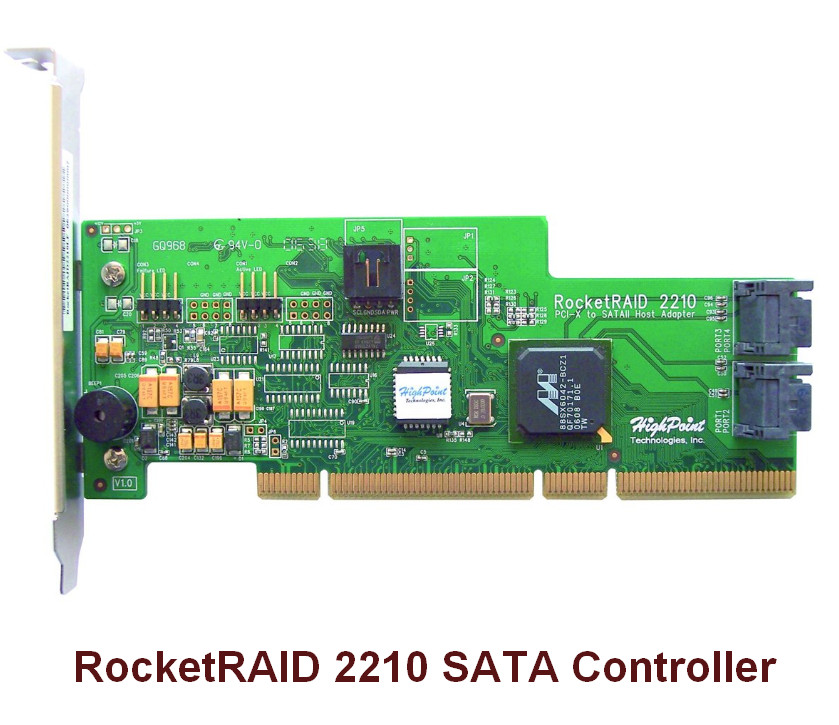
HighPoint, known worldwide, has been around for many years. It is important to note that the last official driver update was released on October 23, 2007. You can be sure that this driver is perfectly compatible with operating systems such as Windows XP and Windows Vista. On our website, the official driver for the HighPoint RocketRAID 2210 SATA controller is available for free download. Its size is only 0.16 MB. After you download the file, simply run the installer to complete the installation process on your computer. If you encounter difficulties configuring the hardware even after installing the driver, feel free to leave a comment, and we will be happy to help you. All files we provide for download undergo thorough virus checks and are completely safe for your PC. If any errors occur, be sure to take screenshots so that we can offer you the most accurate solutions.
Q&A
What is the HighPoint RocketRAID 2210 driver?
The HighPoint RocketRAID 2210 driver is software that allows the operating system to interact with the SATA controller, ensuring the correct operation of devices connected to it.
When was the HighPoint driver last updated?
The last HighPoint driver update was released on October 23, 2007.
Which operating systems is this driver suitable for?
This driver is compatible with Windows XP and Windows Vista.
How can I check the safety of downloaded files?
All files on our website are manually checked for viruses, so you can be sure they are safe for your computer.
What should I do if errors occur during driver installation?
If you encounter errors, leave a comment on the website and attach screenshots of the problems – we will help you resolve any difficulties.
Download:
RR2210-Vista-Win2008-v1.3-102307.zip – Windows Vista (0.16 mb) v.1.3.7.1017 – 17.10.2007
RR2210-win-v1.3-102307.zip – Windows XP (0.29 mb) v.1.3.7.1023 – 23.10.2007