
Epson L210 v.1.53, v.3.793 Windows XP, Windows Vista, Windows 7, Windows 8, Windows 8.1, Windows 10
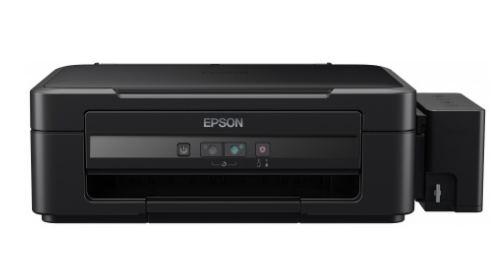
Epson, a company known on the global market for many years, is a name familiar to many. The latest official driver was updated on December 17, 2013. You can be sure that this driver is compatible with operating systems including Windows XP, Windows Vista, Windows 7, Windows 8, Windows 8.1, and Windows 10. On our website, you can download the official driver for Epson L210 for free, and its size is only 20.4 MB. After downloading the file, simply run the installation package to install it on your computer. If you are unable to set up the device even using our drivers, feel free to leave a comment — we are ready to help. All files available for download undergo strict virus checks and are completely safe for your device. And don’t forget to take screenshots of any errors that occur, if any, so that we can provide you with more accurate assistance.
Q&A
Which driver can be downloaded for Epson L210?
You can download the official Epson L210 driver from our website, which is suitable for various versions of Windows and weighs 20.4 megabytes.
When was the Epson driver last updated?
The Epson driver was last updated on December 17, 2013.
Which operating systems is the Epson L210 driver compatible with?
This driver is suitable for Windows XP, Vista, 7, 8, 8.1, and 10.
What should I do if I can’t install the driver or configure the hardware?
If you have difficulties with installation or setup, leave a comment, and we will try to help you.
How can I ensure the safety of downloading the driver?
All files available for download are manually checked for viruses, which guarantees their safety for your computer.
Why is it important to take screenshots of errors during installation?
Screenshots of errors will help us identify the problem faster and more accurately so we can provide you with the necessary assistance.
Download:
L210_x86_153.zip – printer driver, 32 bits (20.4 mb) v.1.53 – 17.12.2013
L210_WW_WIN_3793.zip – scanner driver, 32-64 bits (19.8 mb) v.3.793 – 04.09.2015
L210_x64_153.zip – printer driver, 64 bits (23.9 mb) v.1.53 from 17.12.2013