
HP Scanjet 2300c Scanner series Drivers v.1.1, v.8.0.0.0 Windows XP, Windows Vista, Windows 7
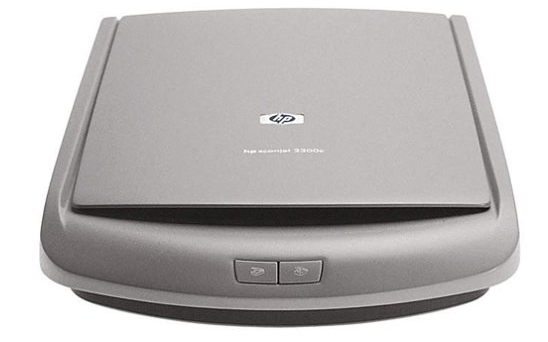
HP, a company known worldwide for many years, offers its services and products. It is worth noting that the latest official driver was updated on February 13, 2007. You can be sure that this driver is compatible with operating systems such as Windows XP, Windows Vista, and Windows 7. On our website you will find the official driver for the HP Scanjet 2300c scanner series, which is available for free download. The file size is only 2.5 megabytes. After downloading, simply run the installation file to install the driver on your computer. If you encounter problems setting up the device even when using our drivers, please leave a comment — we will be happy to help you. All files we provide for download are manually checked for viruses and are absolutely safe. If errors suddenly appear, please take screenshots so that we can offer you more targeted assistance.
Q&A
Which driver can be downloaded for the HP Scanjet 2300c scanner?
You can download the official HP Scanjet 2300c driver, which is available on our website and supports Windows XP, Vista, and 7 operating systems.
What is the size of the HP Scanjet 2300c driver?
The driver size is only 2.5 MB, which makes downloading it quick and convenient.
What should I do if I can’t set up the scanner using the driver?
If you have problems setting up the hardware, be sure to leave a comment, and our team will help you resolve the difficulties you encounter.
How safe are your files for download?
All files offered for download are manually checked for viruses and are absolutely safe for your computer.
What should I do if errors appear on the screen?
We recommend taking screenshots of the errors that occur and attaching them to your message so that we can offer the most accurate solution to your problem.
Download:
setup_basic_2300.exe – (2.5 mb)
manual_setup_basic_2300.zip – (2.2 mb)