
AGFA SnapScan Touch Scanner Drivers v.FC, v.1.0.0.1 Windows XP, Windows 7
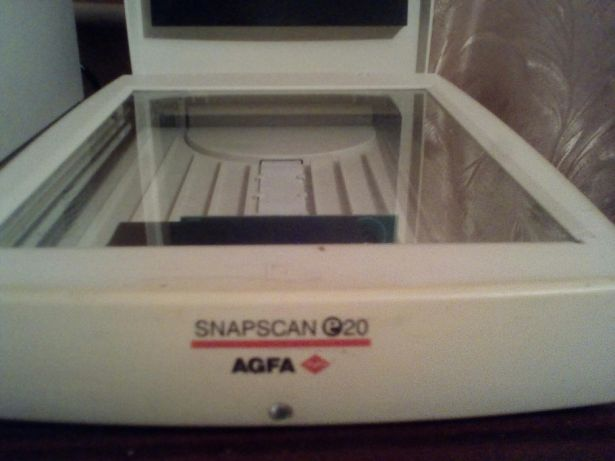
AGFA, known worldwide, has remained in the spotlight for many years. Please note that the latest official driver update dates back to April 22, 2009. You can be sure that this driver is compatible with operating systems such as Windows XP and Windows 7. On our website, you can download the driver for the AGFA SnapScan Touch scanner for free, and its size is only 10.5 MB. After the download is complete, simply click the installation file and follow the instructions to install it on your computer. If you encounter difficulties setting up the device after using our drivers, leave a comment — we are ready to help you. All files we offer for download undergo strict virus checks and are completely safe for your device. If any errors appear during the process, be sure to take screenshots so that we can provide more accurate recommendations for solving the problem.
Q&A
What is known about AGFA and its drivers?
AGFA is an internationally known company that has been around for many years. The latest official driver update took place on April 22, 2009. This driver is compatible with operating systems such as Windows XP and Windows 7.
Where can I download the driver for AGFA SnapScan Touch Scanner?
You can download the official AGFA SnapScan Touch Scanner driver for free on our website. The file size is only 10.5 MB. After downloading, simply open the installation file to install it on your computer.
What should I do if the driver does not work?
If you have problems setting up the hardware despite the installed drivers, feel free to leave a comment, and we will try to help you.
How safe are the files provided?
All files we offer for download undergo thorough manual virus checks, so they are completely safe for your device.
What information should be provided if an error appears?
Be sure to take screenshots of the error if they occur. This will help us understand your problem faster and more accurately and provide the necessary assistance.
Download:
ScanWise.exe – (10.5 mb) FC – 07.08.2005
scanner_drv.zip – manual install (0.04 mb) v.1.0.0.1 – 22.04.2009