
FUJITSU Scanner fi-5000/fi-6000 Series Driver v.9.21.1307, v.9.24.8, v.9.24.7, v.9.22.103 Windows XP, Windows Vista, Windows 7, Windows 8, Windows 8.1
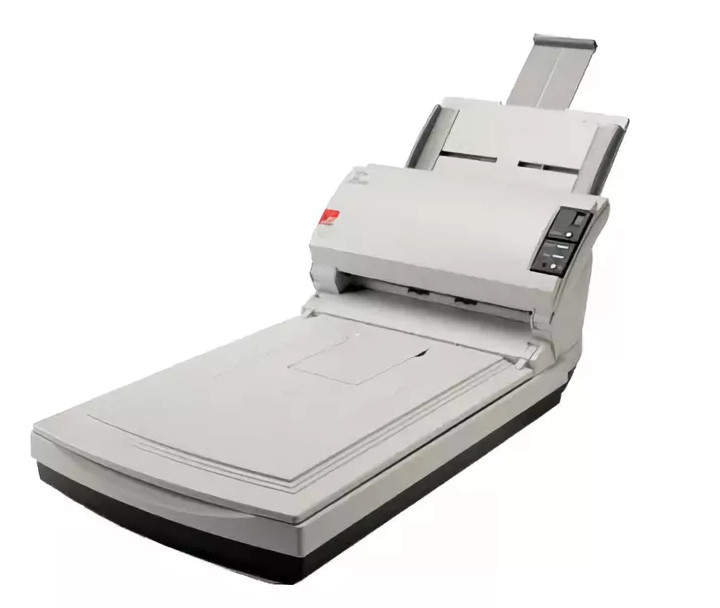
FUJITSU, known on the international stage for many years, continues to remain a reliable choice for users. The latest driver update was released on August 27, 2012. You can be sure that this driver is compatible with operating systems such as Windows XP, Windows Vista, Windows 7, Windows 8, and Windows 8.1. On our website, you can find the official driver for FUJITSU Series fi-5000/fi-6000 scanners, available for free download. The file size is only 57.4 MB. After downloading, you should open the installation file and complete the installation on your computer.
If you encounter difficulties setting up the equipment, feel free to leave a comment — we will be happy to help you. All files available for download on our website undergo thorough security checks and are completely safe for your device. Also, if you encounter any errors, please take screenshots so that we can provide more accurate and effective assistance.
Q&A
When was the FUJITSU driver last updated?
The FUJITSU driver was last updated on August 27, 2012.
How much does the FUJITSU scanner driver weigh?
The driver size is 57.4 MB.
Which operating systems support this driver?
This driver is compatible with Windows XP, Windows Vista, Windows 7, Windows 8, and Windows 8.1.
Where can I download the FUJITSU Scanner driver?
You can download the FUJITSU Scanner fi-5000/fi-6000 Series driver for free from our website.
What should I do if I have problems setting up the equipment?
If you have difficulties with setup, please leave a comment, and we will be happy to help you.
How is the safety of downloaded files ensured?
All provided files are manually checked for viruses and are absolutely safe for your computer.
What should I do if errors appear after installing the driver?
Be sure to take screenshots of the errors that occur and share them with us so that we can help solve your problem more accurately.
Download:
Ft9l10bX5.exe – (57.4 mb) v.9.21.1307 – 27.08.2012