
MediaTek/Ralink USB Wireless Lan Driver v.5.0.59.0, v.5.0.57.0 Windows 7, Windows 8, Windows 8.1, Windows 10
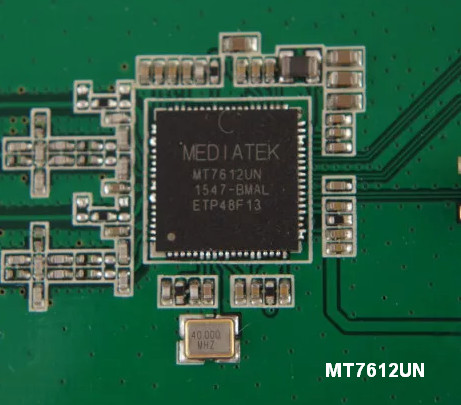
Many people know about MediaTek/Ralink, a company that has held leading positions in the global market for many years. We would like to note right away that the latest official driver update was released on July 3, 2015. You can be sure that this driver is fully compatible with Windows 7, Windows 8, Windows 8.1, and Windows 10 operating systems. On our website, you can download the official MediaTek/Ralink USB Wireless Lan driver completely free of charge. Its size is only 21.9 MB. After downloading, simply open the installation file and follow the instructions to install it on your computer. If you still have problems configuring the device after installing the driver, leave a comment — we will be happy to help you. All files available for download undergo thorough virus checks and are completely safe for your device. Don’t forget to take screenshots of any errors that occur, if they appear; this will help us provide you with more effective support.
Q&A
What is the latest driver release for MediaTek/Ralink devices?
The latest official driver update for MediaTek/Ralink products was released on July 3, 2015.
Is the MediaTek/Ralink driver compatible with modern versions of Windows?
Yes, this driver is fully compatible with Windows 7, 8, 8.1, and 10 operating systems.
Where can I download the MediaTek/Ralink USB Wireless Lan Driver?
You can download the official driver from our website completely free of charge.
What is the size of the MediaTek/Ralink driver file?
The driver file is 21.9 megabytes, which makes it quite lightweight for downloading.
How do I install the driver after downloading it?
After the download is complete, simply open the installation file and follow the instructions to install it on your computer.
What should I do if the driver installation fails?
If you were unable to configure the hardware using our drivers, leave a comment and we will provide you with the necessary help.
Have the files on our site been security checked?
All files offered on our site undergo thorough manual virus checks, which guarantees their safety for your computer.
How can I get help if errors occur?
If errors occur, be sure to take screenshots and send them in the comments so that we can better understand your problem and offer effective solutions.
Download:
ralink_wlan_5.0.59.zip – (21.9 mb) v.5.0.59.0 (5.0.57.0) – 03.07.2015