
TP-LINK Archer T2U Plus v.190111 Windows XP, Windows Vista, Windows 7, Windows 8, Windows 8.1, Windows 10
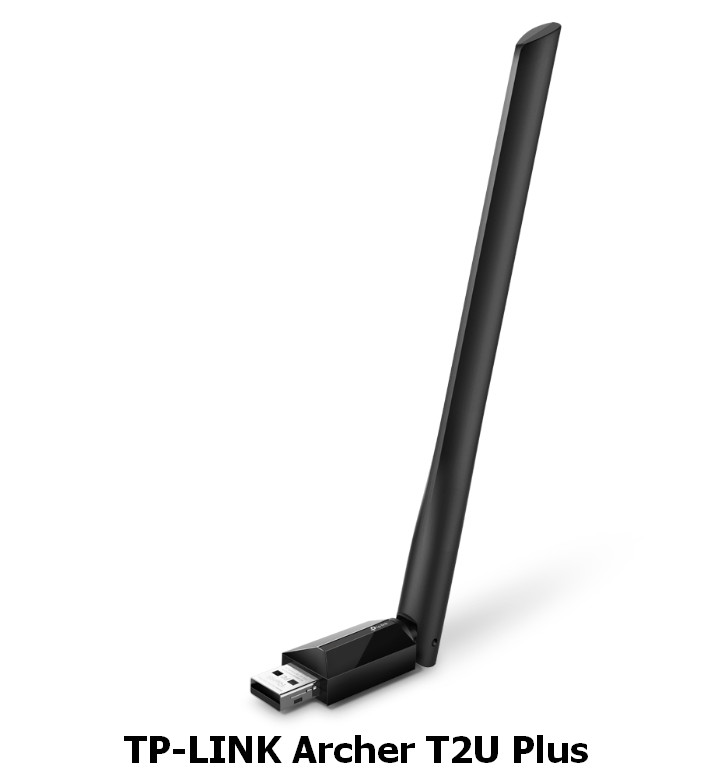
TP-LINK, known worldwide for many years, produces high-quality products. It is worth noting that the latest version of the driver was officially updated on January 16, 2019. This driver is compatible with several versions of operating systems, including Windows XP, Vista, 7, 8, 8.1, and 10. On our website, you can easily download the official TP-LINK Archer T2U Plus driver completely free of charge. The file size is only 49 MB. After the download is complete, simply run the installation file to install it on your computer. If you encounter difficulties configuring the hardware even after installing the driver, please let us know in the comments – we are ready to help. All files we provide for download undergo thorough virus checks, so they are completely safe for your device. If you encounter errors, please take screenshots so that we can more accurately identify the problem and provide the necessary assistance.
Q&A
When was the TP-LINK driver last updated?
The last official TP-LINK driver update is dated January 16, 2019.
Is the TP-LINK Archer T4E driver suitable for different versions of Windows?
Yes, this driver is compatible with Windows XP, Vista, 7, 8, 8.1, and 10.
How do I download the TP-LINK Archer T4E driver?
You can download the official TP-LINK Archer T4E driver completely free of charge from our website. Its size is only 46.6 MB.
How do I install the driver on my computer?
To install it, simply download the installation file and follow the instructions on your PC screen.
What should I do if there are problems installing the driver?
If you are unable to configure the device with our drivers, leave a comment and we will provide you with the necessary assistance.
How safe are the files offered for download?
All files available for download undergo thorough manual virus checks, which guarantees their complete safety for your computer.
How do I report errors encountered during installation?
If you unexpectedly encounter errors, please take screenshots and attach them to your message so that we can better understand the problem and help you.
Download:
Archer_T4E_V1_190108_Windows_Driver.zip – V1, Windows XP/7/8/8.1/10 (46.6 mb) – 16.01.2019